Automatic highlight detection
Audio-driven analysis finds the segments most likely to feel intense, funny, or worth sharing.
ClipifAI scans your source video, finds the strongest moments automatically, and packages them into ready-to-post highlights without hours of manual scrubbing.
Find exciting spikes and standout segments without manual review.
Get highlight clips and thumbnails organized in one place.
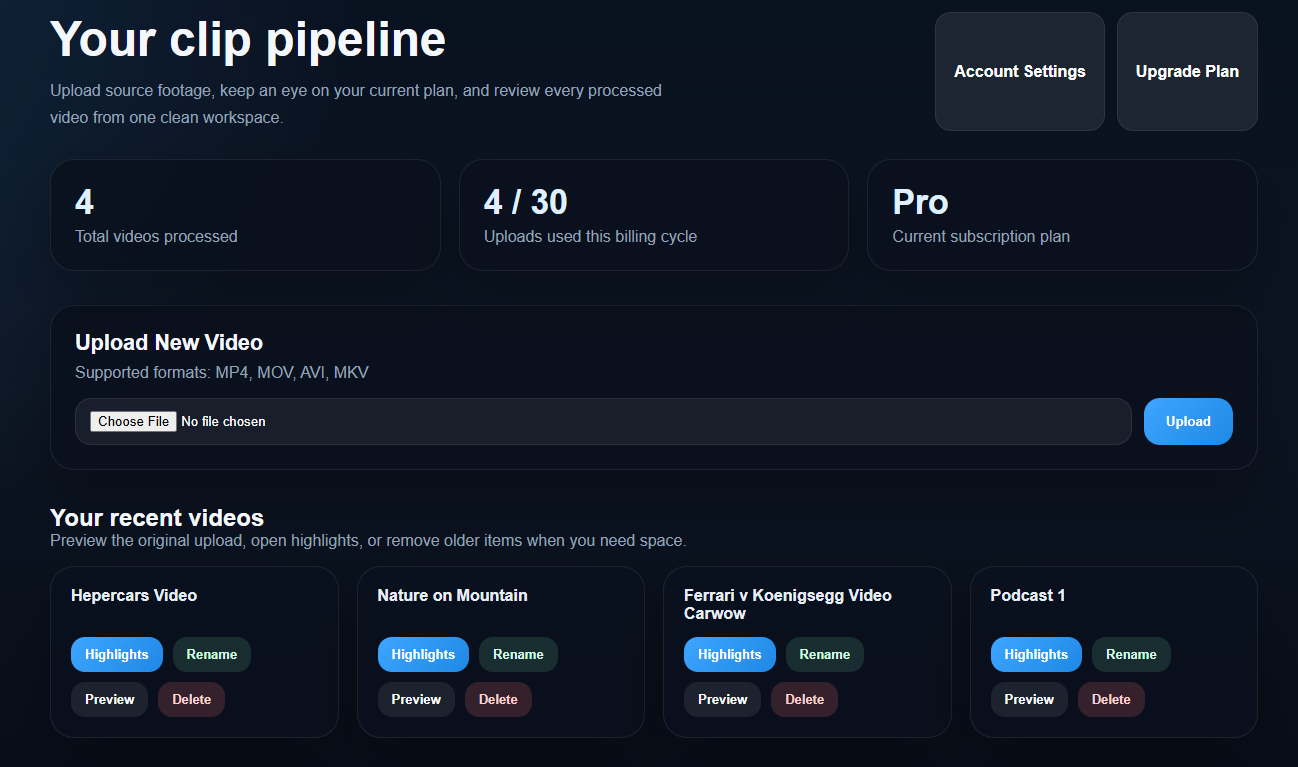
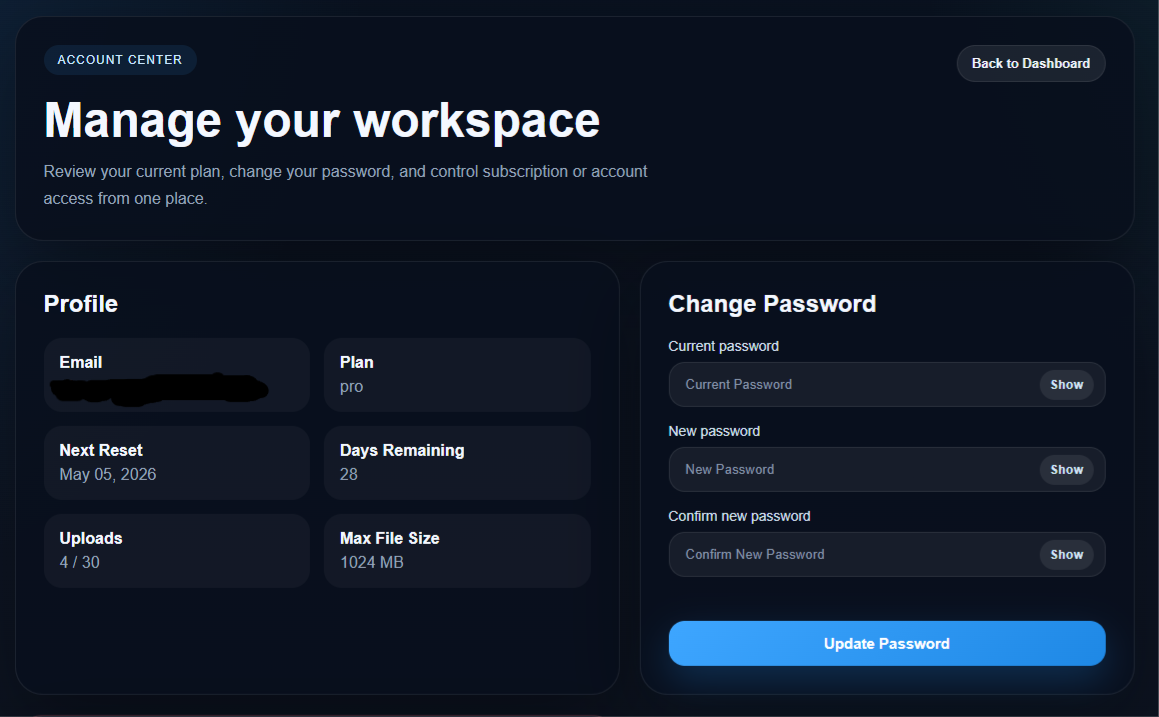
These screens show the kind of workflow ClipifAI is built for: cleaner uploads, organized review, and a faster loop from long-form recording to short-form output.
Instead of a wall of product copy, you can actually see the atmosphere of the app and the kind of assets you get back from it.
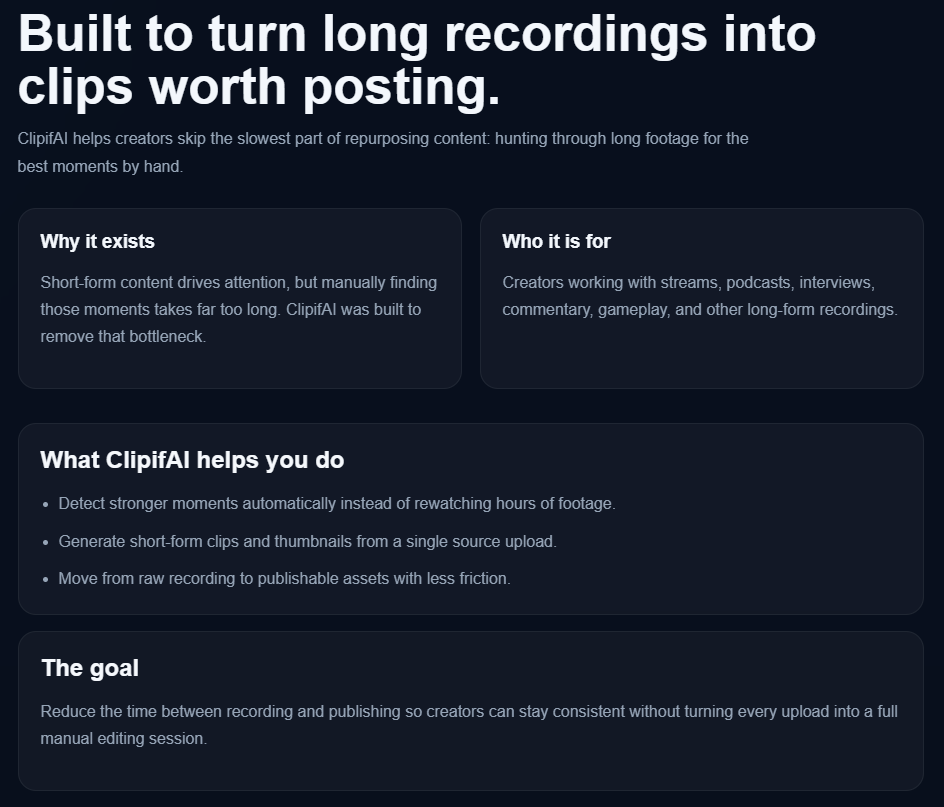
Instead of digging through hours of footage to find a few strong moments, you can upload once and let ClipifAI do the heavy lifting.
Audio-driven analysis finds the segments most likely to feel intense, funny, or worth sharing.
Generate multiple short-form outputs from a single long video without touching editing software first.
Review thumbnails, preview clips, and download the final assets from a clean dashboard.
Use one upload to create several publishable moments and keep your content pipeline moving.
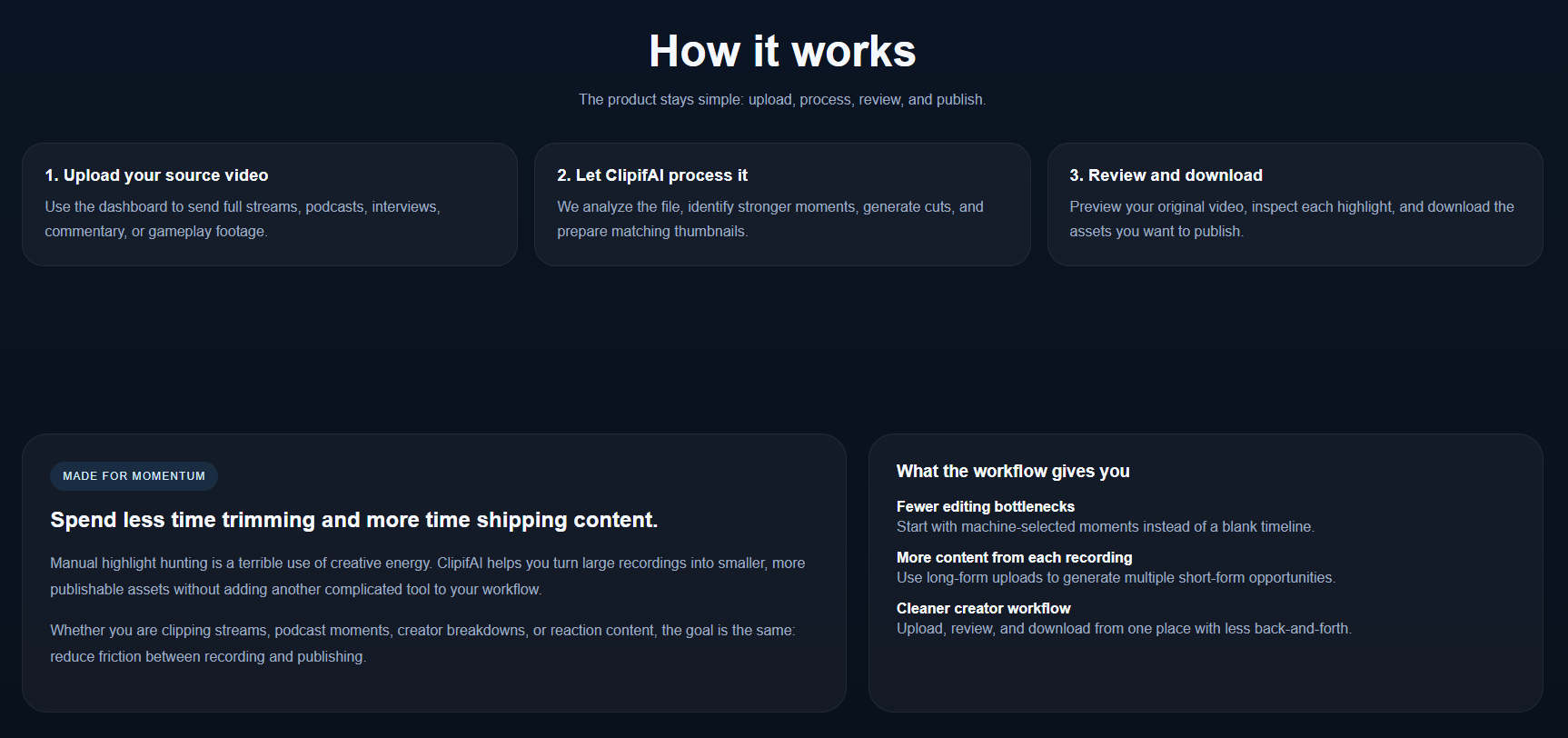
The product stays simple: upload, process, review, and publish.
Use the dashboard to send full streams, podcasts, interviews, commentary, or gameplay footage.
We analyze the file, identify stronger moments, generate cuts, and prepare matching thumbnails.
Preview your original video, inspect each highlight, and download the assets you want to publish.
Manual highlight hunting is a terrible use of creative energy. ClipifAI helps you turn large recordings into smaller, more publishable assets without adding another complicated tool to your workflow.
Whether you are clipping streams, podcast moments, creator breakdowns, or reaction content, the goal is the same: reduce friction between recording and publishing.
A few fast answers before you jump in.
Most uploads are processed within minutes, depending on file length and current load.
Gaming, podcasts, streams, interviews, and commentary-style content typically produce strong highlight moments.
Yes. Uploaded videos and generated clips are isolated to your own account.
No. ClipifAI is built to reduce the amount of manual editing needed to get useful clips.
Yes. You can move to a larger plan whenever you need more uploads or bigger files.
MP4, MOV, AVI, and MKV uploads are currently supported.